
Your whole Instagram profile, one clean link
Publish a link-in-bio page in minutes — ordered links, storefront product cards, social icons, one accent color that themes the whole page, and Smart Link Optimization that automatically moves your best-performing links to the top based on real click data.
Mila Creates
@mila.creates
Fashion, styling tips, and everything from the spring drop.
Spring capsule tee
$48Capsule wardrobe lookbook
milacreates.com/lookbook
Made with Flonix
Mila Creates
@mila.creates
Fashion, styling tips, and everything from the spring drop.
Spring capsule tee
$48Capsule wardrobe lookbook
milacreates.com/lookbook
Made with Flonix
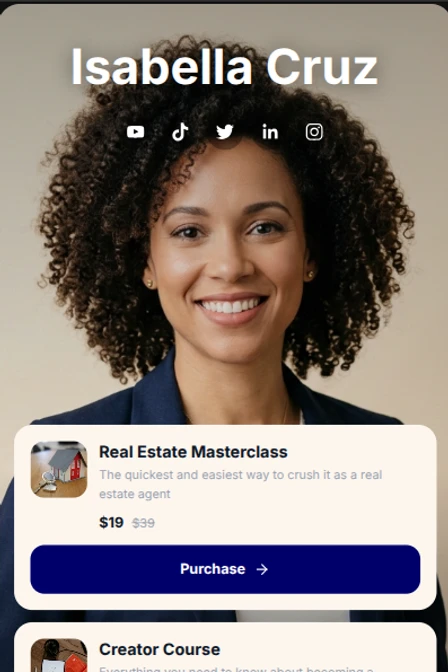
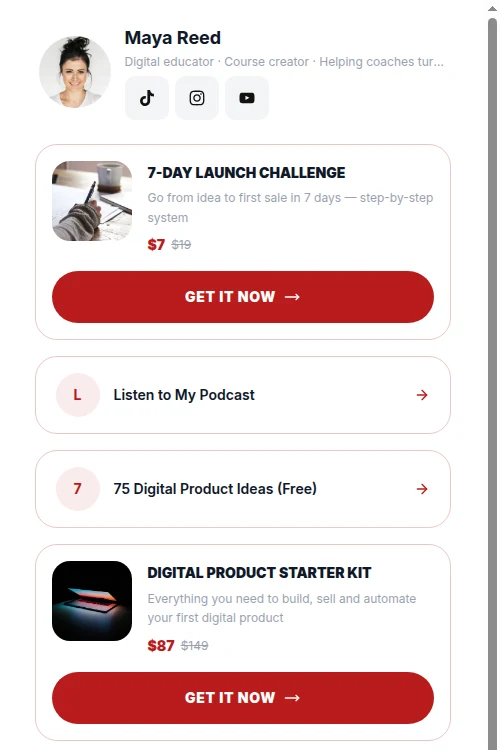
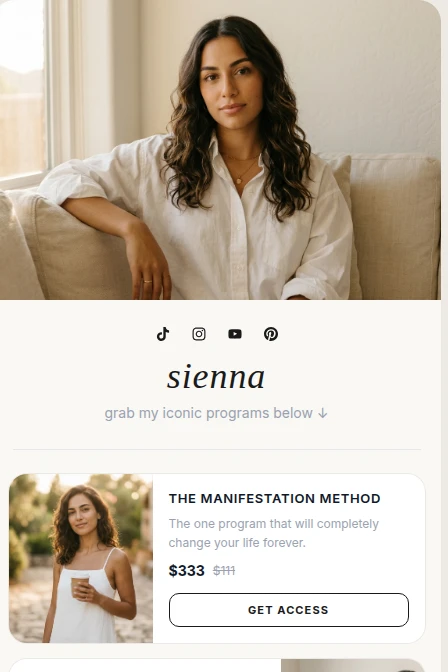
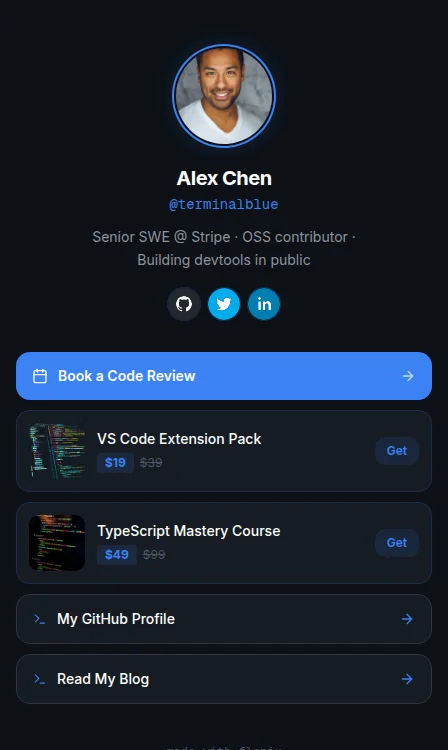
Start from a look that's already you
Pick a template built for your niche, drop in your links, and go live in minutes — every layout ships with its own accent color and feel.
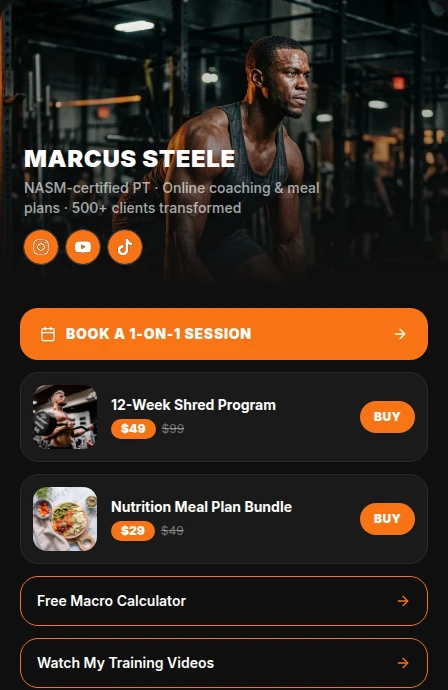
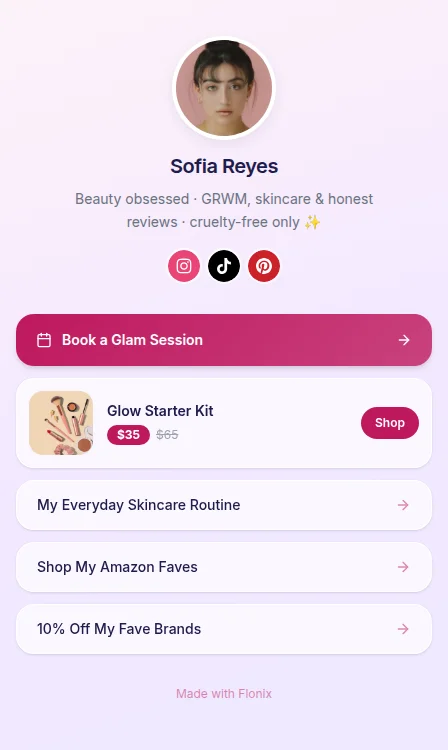
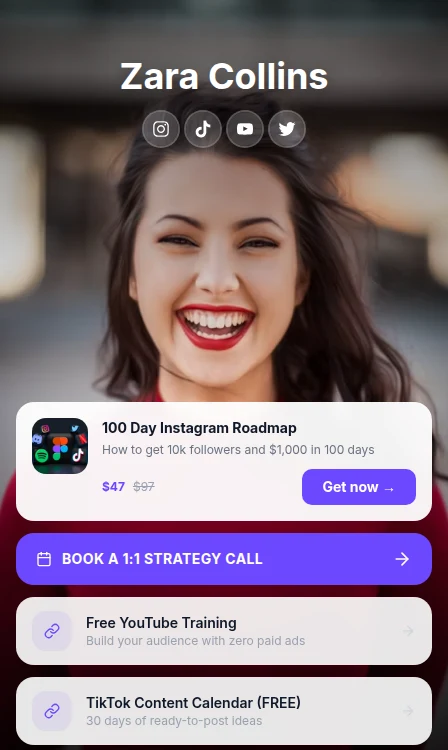
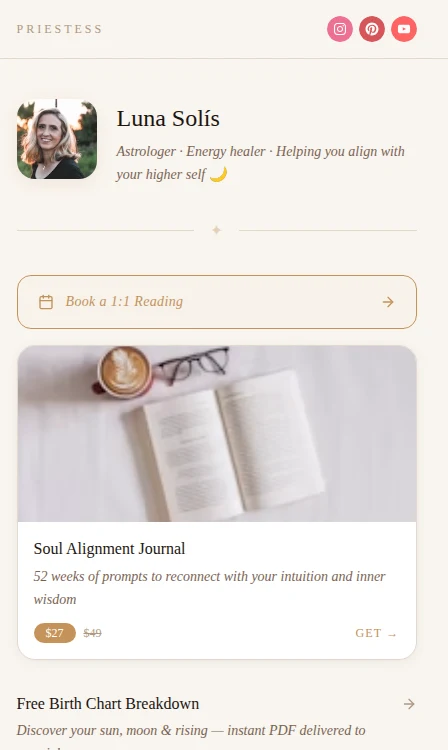
Everything a link-in-bio page needs
No page builder to fight with — just the essentials, done well.
Ordered link blocks
Add links with titles, thumbnails, and a hostname subtitle.
Storefront links
Add a price to any link — it renders as a shop card with a Buy now button.
Social icon blocks
Pick from 12 supported platforms and reorder them freely.
Booking links
Drop in your Calendly, Cal.com, or Topmate link — it renders with a calendar-style CTA automatically.
Pick & customize templates
Start from any built-in template, then make it yours with your own accent color and background style.
Accent-color theming
One accent color themes your whole page automatically.
AI-suggested bio & titles
Gemini drafts a bio and link titles for you to review.
Smart Link Optimization
Links auto-rank by 7-day clicks — your top performers bubble up without you lifting a finger.
Questions about link in bio
Everything you need to know before you publish your page.
It's a public profile page — one link for your Instagram bio — where you list an ordered set of links and social icons, so followers can find everything you want to share from a single URL.
Not yet. Every page is published at your Flonix profile URL. Custom domains aren't supported in v1.
Yes. Links and social icons each reorder independently, so you can prioritize what your audience sees first without affecting the other list.
Yes. Flonix can suggest a bio and titles for each of your links using AI — you review every suggestion and choose what to apply, nothing is saved automatically.
Yes. Every click on a public link is logged, and each link block keeps a running click count so you can see what's actually getting engagement.
Yes. Add a price to any link and it renders as a storefront-style card with a Buy now button. Flonix doesn't process payments itself — the button sends buyers to wherever you already sell, like Shopify, Gumroad, or Etsy.
Yes — your link-in-bio page lives in the same Flonix dashboard as your DM, comment, and story automations, so you manage your whole Instagram presence in one place.
Ready to launch your link-in-bio page?
It takes minutes to publish, and it lives right alongside your Instagram automations.
Create your page